
ImmyGo wraps Gio into a modern declarative widget toolkit. Build beautiful desktop apps in Go with a declarative API, Fluent Design tokens, and pluggable AI providers (Yzma, Ollama, Claude, MCP) — no web stack required.
See It in Action
Watch ImmyGo build a native desktop UI — no web stack, just Go
Showcase
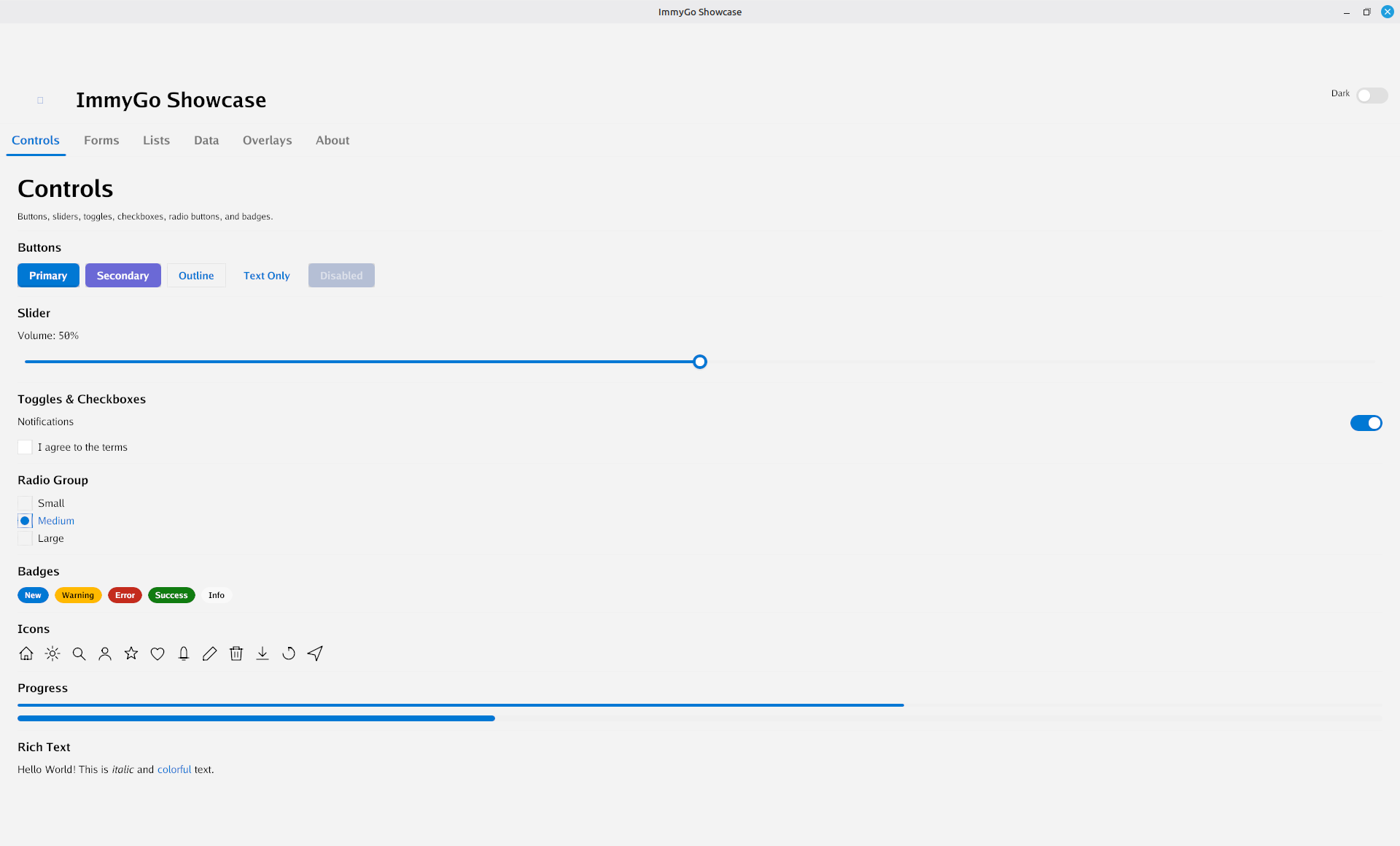
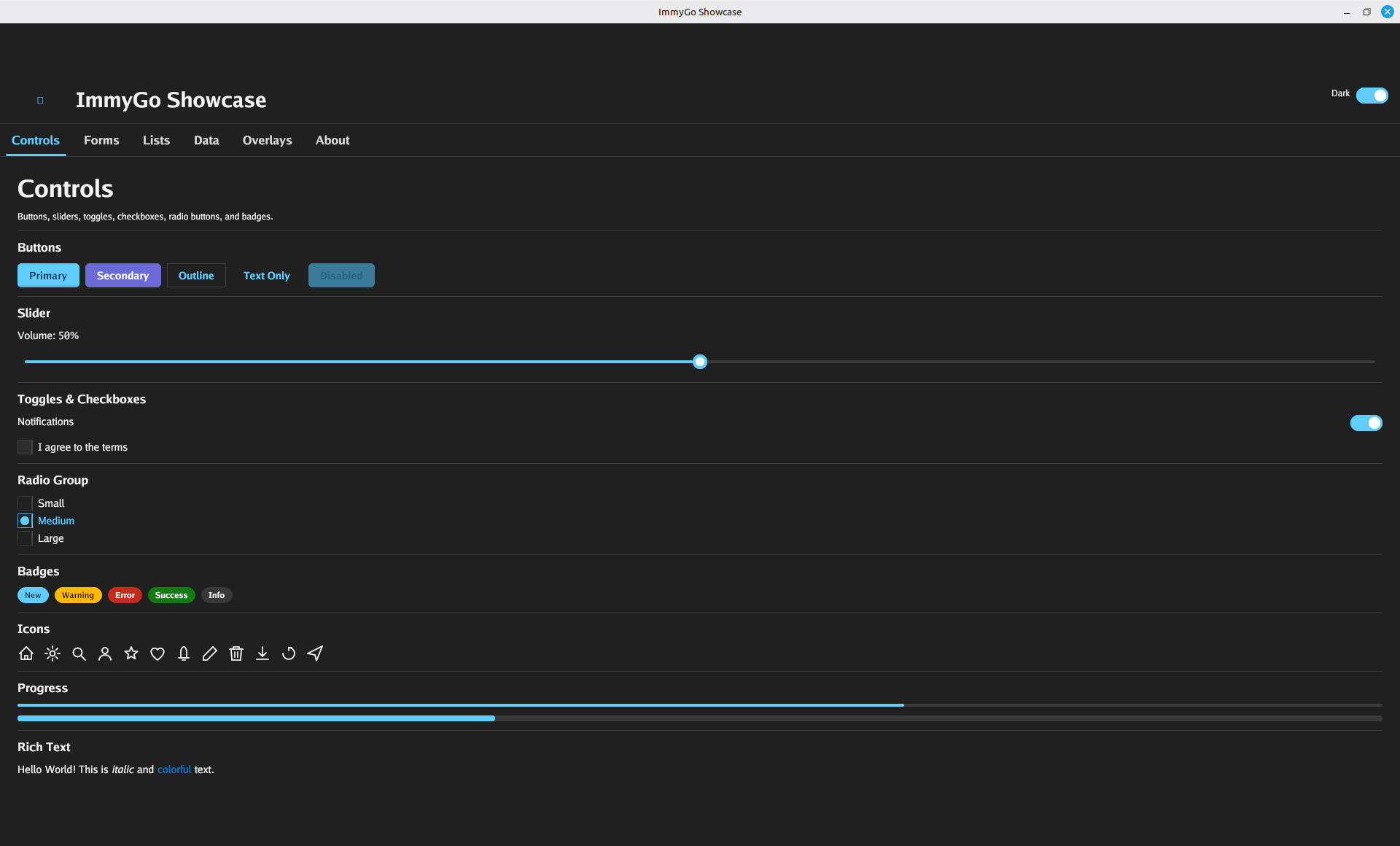
Light and dark themes with 25+ built-in widgets
Two API Levels
Start fast with the declarative ui package — or drop down to the lower-level widget/layout packages for full Gio control.
Fluent Design
Built-in light and dark themes with semantic color tokens, typography scale, spacing, corner radii, and elevation — all customizable.
AI-Powered
Pluggable AI providers — Yzma for in-process local inference, Ollama, Anthropic Claude, or any MCP server. AI scaffolding, conversational dev mode, and runtime prototyping.
25+ Widgets
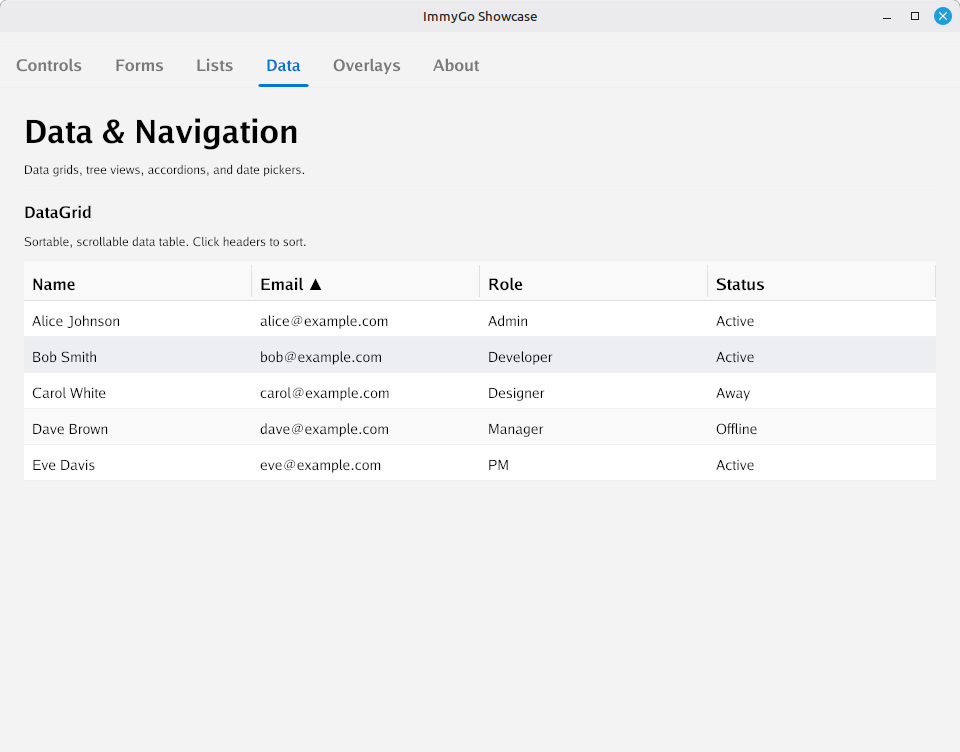
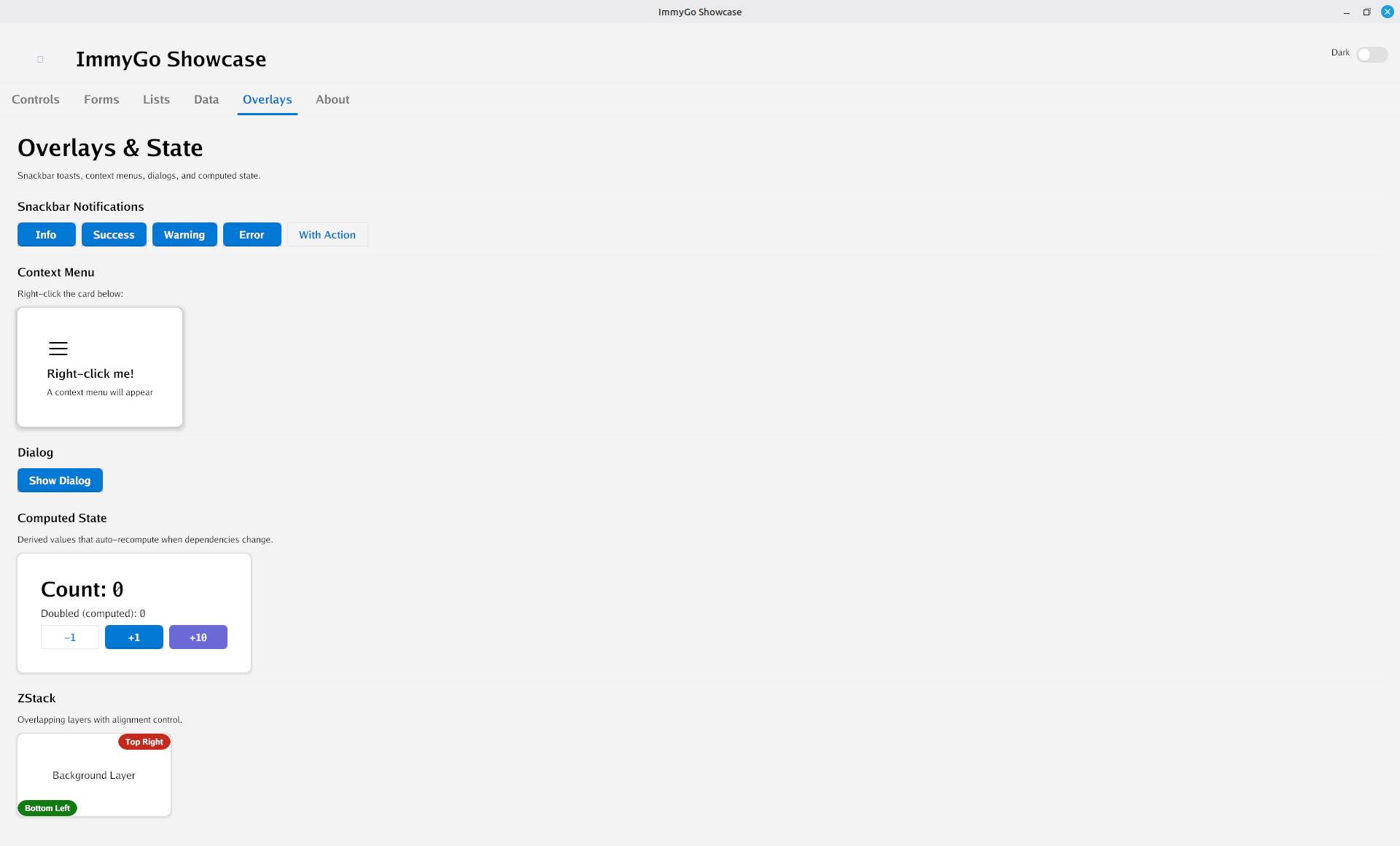
Button, TextField, Toggle, Card, DataGrid, TreeView, Dialog, Drawer, DatePicker, Navigator, and more — all with smooth animations.
Widget Gallery
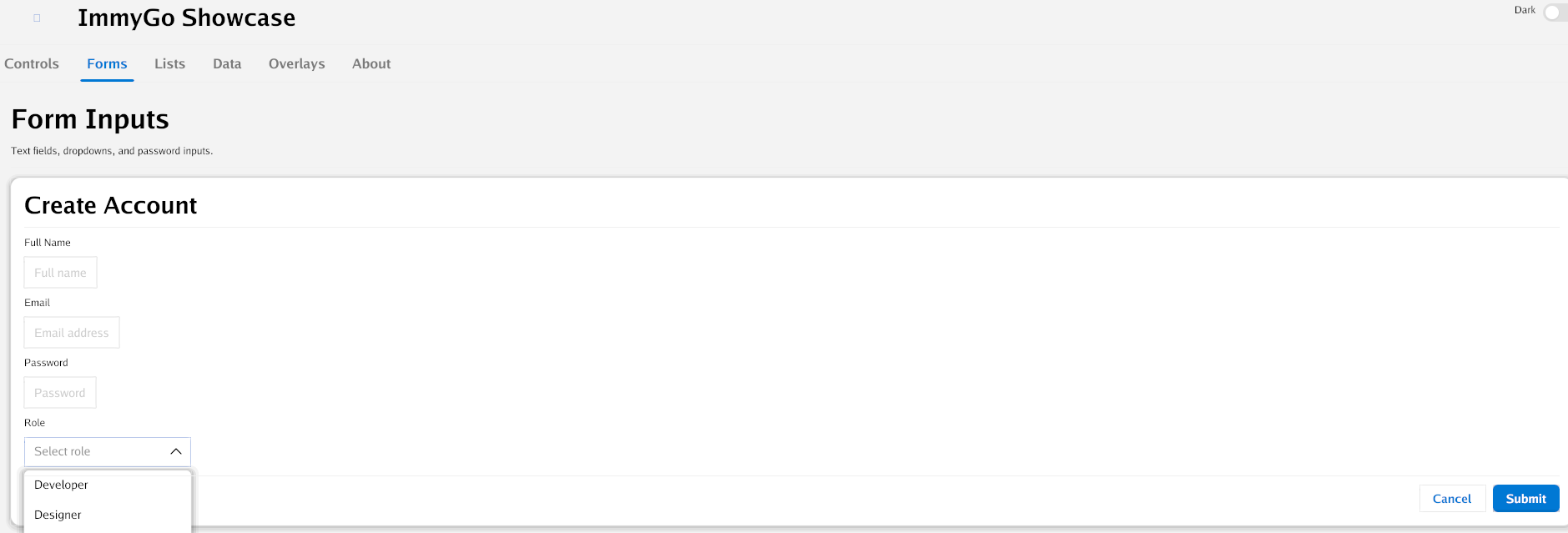
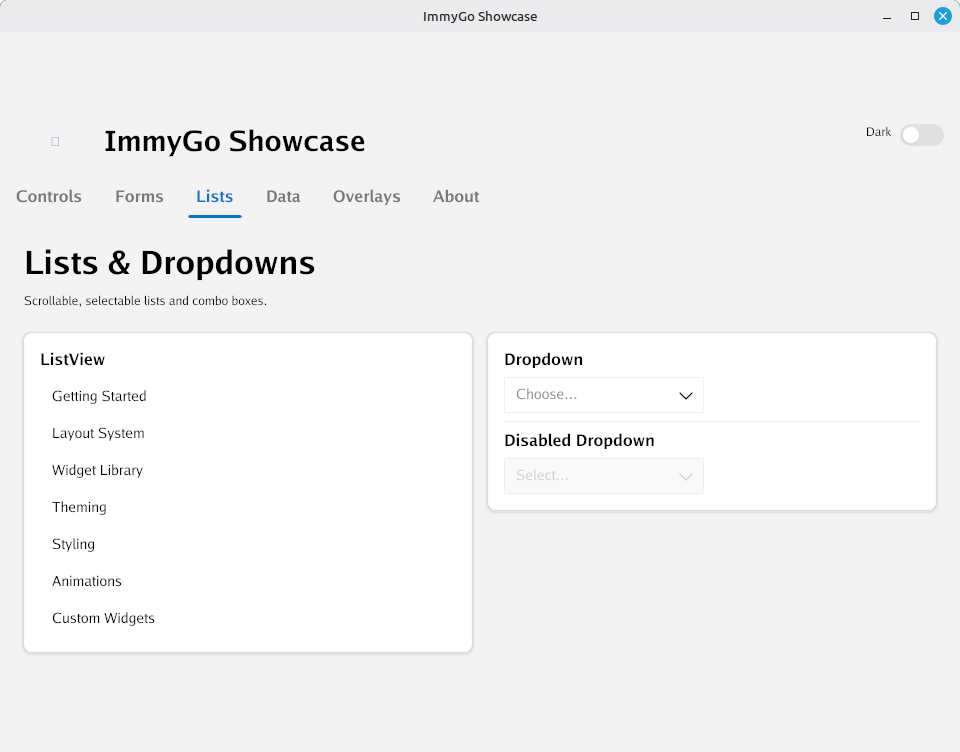
Forms, lists, data grids, overlays, and more — all from a single Go codebase
Quick Install
go get github.com/amken3d/immygo
Or scaffold a project with the CLI:
# Default template
immygo new myapp

# AI-generated from a description
immygo new myapp --ai "a todo list with add and delete"

# With a specific AI provider
immygo new myapp --ai "a dashboard" --provider ollama --model qwen2.5-coder
Hello, ImmyGo
package main

import (
    "fmt"
    "github.com/amken3d/immygo/ui"
)

func main() {
    count := ui.NewState(0)

    ui.Run("My App", func() ui.View {
        return ui.Centered(
            ui.VStack(
                ui.Text("Hello, ImmyGo!").Headline(),
                ui.Button("+1").OnClick(func() {
                    count.Update(func(n int) int { return n + 1 })
                }),
                ui.Text(fmt.Sprintf("Count: %d", count.Get())).Bold(),
            ).Spacing(12),
        )
    })
}